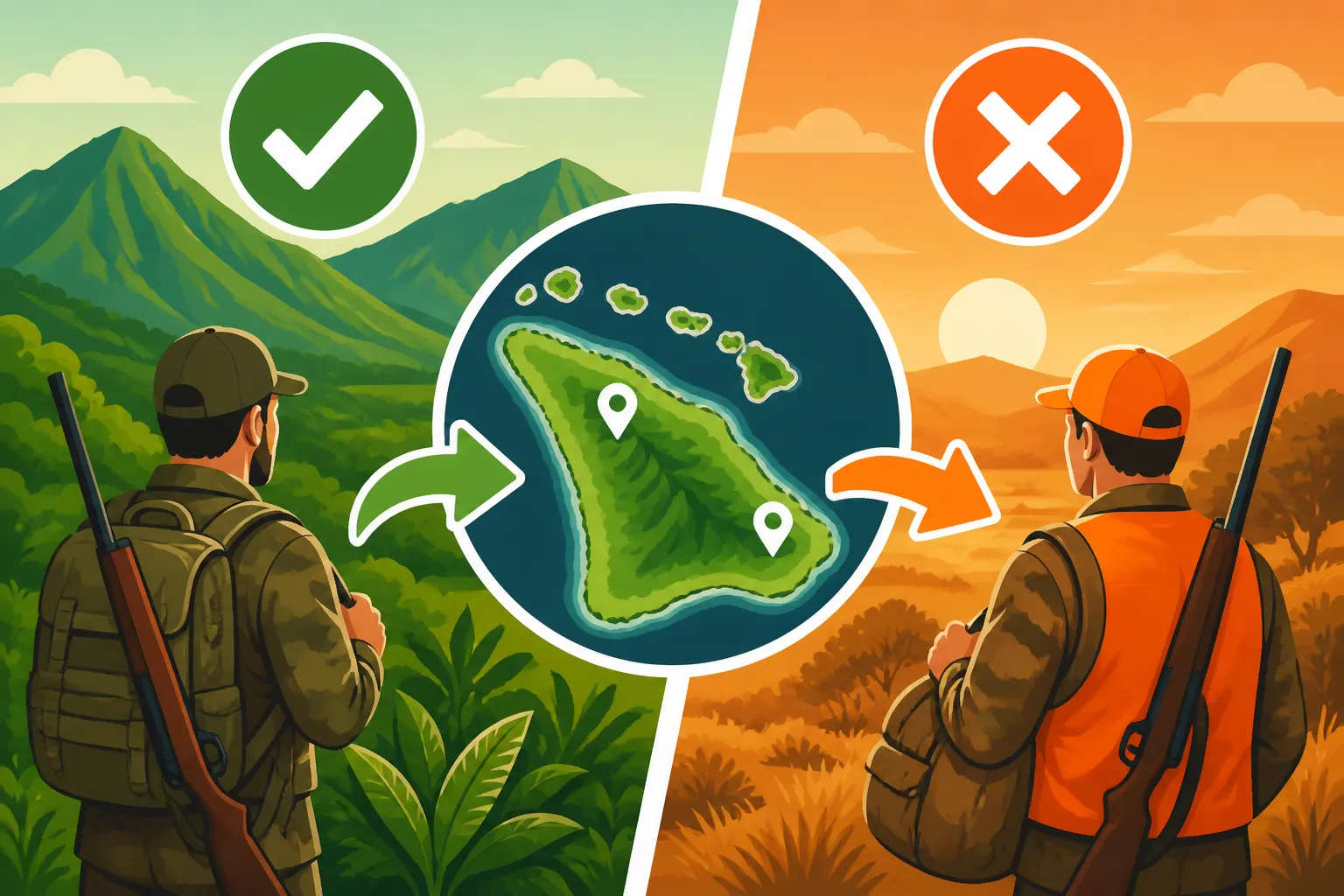
Checking In and Out of Hawaii Hunting Units
It’s a feeling many Hawaii hunters know all too well: you’ve just wrapped up an incredible day in the field, maybe you’ve got a pig on your back or an Axis deer in the cooler, and then that little voice in your head pipes up, "Did I remember to check out?" Navigating the specific check-in and check-out procedures for Hawaii’s hunting units can feel like another layer of bureaucracy on top of an already challenging hunt. This guide is here to untangle those rules, explaining exactly why these steps are crucial and how to ensure you're always in compliance, whether you prefer the old-school paper card or the modern convenience of a mobile app.
Understanding the 'Why' Behind Check-In/Check-Out
When you're eager to hit the trails at dawn, stopping to check in might feel like a hassle, an extra hurdle between you and the wild. But trust me, these procedures aren't just arbitrary rules dreamt up by the Department of Land and Natural Resources (DLNR), Division of Forestry and Wildlife (DOFAW). They're foundational to how Hawaii manages its unique hunting resources and ensures both hunter safety and the long-term health of our game populations.
Conservation and Management Purposes
Every time you check into a hunting unit, you're contributing valuable data that helps DOFAW make informed decisions. This data, even if it feels small and insignificant to you at the moment, paints a bigger picture. For instance, knowing how many hunters are in a specific area during certain periods helps the state gauge hunting pressure. If an area consistently sees a high number of hunters but low harvest rates, it might indicate declining animal populations or a need to adjust season lengths or bag limits.
This information is especially critical in an ecosystem as fragile and unique as Hawaii's, where many game animals are introduced species, and their populations need careful management to protect native plants and animals. Harvest reporting, which is intrinsically linked to the check-out process, allows DOFAW to track population trends for species like Axis deer, feral pigs, and mouflon sheep, ensuring that hunting remains sustainable and effective as a management tool. Without accurate check-in and harvest data, it's like trying to navigate a ship without a compass – you're just drifting, hoping for the best.
Hunter Safety and Accountability
Beyond conservation, the check-in and check-out system serves a vital role in hunter safety. Imagine you’re hunting a remote gulch in the Waiʻanae Kai Forest Reserve on Oʻahu, and you don’t return when expected. If you've properly checked in, the authorities know you're in the unit, and they know approximately when you were due out. This information is a crucial starting point for search and rescue operations, potentially saving lives. It gives responders a much smaller search area, rather than having to scour an entire island.
Furthermore, these procedures foster accountability. By requiring hunters to officially log their presence and, later, their harvest, it helps deter illegal activities and promotes ethical hunting practices. When everyone knows they're part of a system that tracks activity, it encourages adherence to rules, respectful behavior towards other hunters and landowners, and compliance with Hawaii Hunting Licenses and What They Cost and How Hawaii's Permit-Tag System Works. This system helps ensure that our shared hunting grounds remain safe and accessible for everyone. It’s a collective responsibility, and checking in and out is a simple, yet powerful, way to uphold your end of the bargain.
The Traditional Check-In/Check-Out Process
Before the advent of smartphones and digital apps, hunters relied solely on physical check stations and paper cards. While many units have transitioned to digital, the traditional method still exists in some areas, and it's essential to understand it, especially if you're hunting more remote locations or if technology fails you. It's a rite of passage for many, the familiar rustle of paper and the scratching of a pen, often shared with other hunters at the start of the day.
Locating Physical Check Stations
Physical check stations are typically designated kiosks or small shelters found at the primary entry points of specific hunting units. You’ll often find them at the start of a public access road, a trail head, or a boundary marker on state land. These aren’t always manned by staff; more often than not, they operate on an honor system, relying on hunters to diligently follow the rules. When you’re scouting a new area or reviewing the maps for Hawaii's Hunting Units and How They Work, always look for symbols indicating check stations. Sometimes, a unit might have multiple entry points, and therefore multiple check stations. It’s crucial to use the one closest to your intended entry point.
For instance, if you're heading to hunt Unit A on Mauna Kea for mouflon sheep, you'd likely find a check station along the Mauna Kea Access Road or one of the connecting routes. These stations usually have a small bulletin board with current regulations, emergency contact information, and the all-important check cards. The key is to know their locations beforehand; don't just assume there will be one right where you park. The DOFAW website and maps provided by services like GoHunt or onX Hunt are invaluable resources for pinpointing these locations, especially when planning a trip to a new island or a particularly remote unit. Always double-check current regulations, as station locations can occasionally change.
Filling Out Paper Check Cards
Once you locate a physical check station, you'll find a supply of paper check cards. These cards are usually two-part forms: one copy for you to carry into the field, and one to deposit in a collection box at the station. Don't rush through this; accuracy is key. You'll need to fill out details such as your name, hunting license number, the date and time of entry, your intended hunting area within the unit, and your expected exit time. Some cards might ask for vehicle descriptions or plate numbers, which is another layer of safety and accountability.
The carbon copy you keep with you serves as proof of your check-in, and it's also where you'll record any animals harvested. When you complete your hunt, you'll return to the same or a designated check station, fill out the check-out portion, including harvest details if applicable (species, sex, time of kill), and deposit your card. If you're fortunate enough to harvest an animal, make sure you record all the required information accurately on both the card and your tag. Remember, Checking In at a Hawaii Hunter Station and Checking Out After the Hunt aren't optional; they're mandatory parts of the hunting experience in Hawaii. Forgetting or neglecting these steps can lead to penalties and, more importantly, undermine the vital data collection efforts that support our hunting future.
Embracing Digital: The OuterSpatial App
In recent years, Hawaii has embraced technology to streamline the check-in and check-out process, making it more convenient and efficient for many hunters. The OuterSpatial app has become the primary digital tool for managing hunting unit access, bringing the traditional paper system into the palm of your hand. It's a game-changer for accessibility and data collection, though like all technology, it comes with its own learning curve and considerations.
Setting Up Your OuterSpatial Account
Before you even think about heading into the field, your first step is to download the OuterSpatial app to your smartphone (available on both iOS and Android) and set up your account. This isn't something you want to be scrambling to do at the trailhead with one bar of service. The process is pretty straightforward: you'll create a profile, providing your personal information and, crucially, linking your Hawaii hunting license. This link is critical, as it allows the app to verify your eligibility for specific hunting units and seasons.
Take your time during the setup process, ensuring all your details match your official licensing information. It's also a good idea to explore the app's features and familiarize yourself with its interface. You can often download maps of hunting units for offline use within the app, which is incredibly useful when you're deep in a gulch with no signal. Many hunters find it helpful to navigate their hunting units and identify boundaries using the app, combining it with the detailed information you might find from a service like GoHunt. Getting comfortable with the app before your hunt day eliminates a lot of potential stress and ensures a smoother start to your adventure.
Digital Check-In and Check-Out Steps
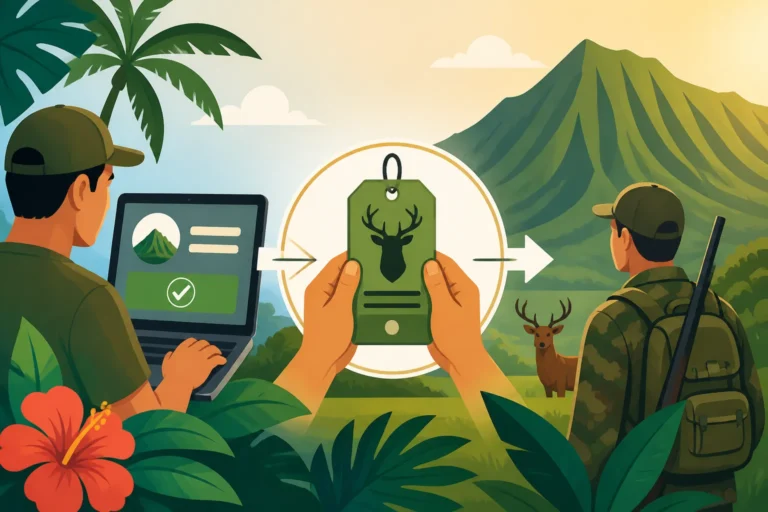
Using OuterSpatial for check-in and check-out is remarkably simple once you're set up. When you arrive at your chosen hunting unit, you'll open the app, navigate to the specific unit you intend to hunt, and initiate the "check-in" process. The app will prompt you for details similar to the paper card, such as your planned entry and exit times, and possibly vehicle information. Once you confirm, you're digitally checked in. It’s much faster than fumbling with a pen and paper, especially in the dark pre-dawn hours.
When your hunt is complete, you'll return to the app and select the "check-out" option for the unit. This is also where you'll report your harvest, if successful. The app will guide you through entering the species, sex, and other pertinent details of any animals taken. This seamless digital reporting contributes directly to DOFAW's management efforts, ensuring that harvest data is timely and accurate. For many units, especially the more popular ones on Maui, Molokai, or the Big Island, using OuterSpatial is not just convenient but often the preferred method. You can find more specific guidance on Using the OuterSpatial App to Check In on many forums and the DOFAW website.
Troubleshooting Common App Issues
While the OuterSpatial app offers immense convenience, technology can sometimes be fickle. The most common issue hunters encounter is a lack of cell service in Hawaii’s often remote hunting units. This is why downloading maps for offline use before you lose service is paramount. If you find yourself in a dead zone, you might not be able to complete your check-in or check-out immediately.
In such situations, do your best to document your entry and exit times manually, and as soon as you regain service, complete the digital process. If you had no service for the entire duration of your hunt and couldn't check out, contact DOFAW as soon as possible to report your activity and explain the situation. They generally understand the challenges of No Cell Signal on a Hawaii Hunt. Another issue can be app glitches or updates that temporarily prevent access. Always ensure your app is updated to the latest version. If persistent problems arise, don't hesitate to reach out to OuterSpatial support or DOFAW for assistance. Having a backup plan, like carrying a paper check card if available, is always a wise move, just in case technology decides to take a day off.
What Information Do You Need to Provide?
Whether you're using a paper card or the OuterSpatial app, the core purpose of the check-in/check-out system is data collection. Knowing exactly what information is required, and why it's important, helps ensure you provide accurate details and remain in compliance. It's more than just signing your name; it's providing the necessary puzzle pieces for effective wildlife management.
Essential Details for Check-In
When you check into a Hawaii hunting unit, you'll typically need to provide several key pieces of information. First and foremost, your identity as a hunter is crucial: your full name and your Hawaii hunting license number. This allows DOFAW to verify your eligibility and track participation. You'll also need to specify the date and time of your entry into the unit, along with your anticipated exit time. This "time window" is incredibly important for search and rescue operations, as discussed earlier. Imagine if you're hunting in a rugged area like the Kapāpala Cooperative Area on the Big Island; knowing your estimated return helps narrow down a search if you're overdue.
Additionally, you might be asked to specify the general area within the unit you plan to hunt. Some large units, like the vast public lands on Molokai, have distinct zones or regions, and knowing where hunters concentrate helps DOFAW understand game distribution and hunter pressure. Providing your vehicle description and license plate number is another common requirement; this aids in identifying vehicles at trailheads and ensuring they belong to legitimate hunters. Always carry your hunting license and any required permits (like specific Axis deer tags for Lanai) with you, as these details are essential for a complete check-in.
Reporting Your Harvest Accurately
The check-out process, especially if you've been successful, includes a critical component: harvest reporting. This isn't just a formality; it's the backbone of Hawaii's wildlife management program. You'll need to report the species of animal harvested (e.g., Axis deer, feral pig, mouflon sheep, feral goat), its sex (buck/doe, boar/sow, ram/ewe, billy/nanny), and the approximate time and location of the kill. For some species, like Axis deer, you might also be asked about antler points or other characteristics.
The accuracy of this information directly impacts DOFAW's ability to assess population health, track breeding success, and manage quotas for future seasons. For example, if you're hunting during Hawaii Game Mammal Seasons and take a hog, accurately reporting it contributes to understanding the pig population dynamics on that specific island. Harvest Reporting Requirements After a Kill are strict, and failing to provide accurate information can result in penalties. Remember, ethical hunting isn't just about the shot; it's about honoring the animal and contributing to its responsible management through diligent reporting. This data helps keep our hunting opportunities viable for generations to come.
Navigating Rules for Different Unit Types
Hawaii's hunting landscape is diverse, not just in its terrain and species, but also in its rules and regulations. The way you check in and out, and even the availability of certain game, can vary significantly depending on the type of hunting unit you're in. Understanding these distinctions is key to a smooth and legal hunt.
Year-Round vs. Weekend-Only Units
Hawaii has a mix of hunting units with different access schedules. Some units, particularly those with high populations of introduced species like feral pigs and goats, are open for hunting year-round. These units, often in areas where management is focused on reducing animal impact on native ecosystems, might have more flexible check-in/check-out requirements, sometimes relying entirely on the OuterSpatial app or a simple self-check system. Examples might include certain zones within larger Forest Reserves or Game Management Areas.
On the other hand, many popular units, especially for sought-after game like Axis deer or Mouflon, operate on a weekend-only or specific-day schedule. Hawaii's Weekend and Holiday Hunting Rules dictate when these units are accessible, often to manage hunting pressure or align with other land uses. For these units, the check-in/check-out process can be more stringent, sometimes requiring hunters to queue at a physical check station on opening morning. The limited access hours mean the state wants precise data on who is entering and exiting during those specific windows. Always consult the latest DOFAW hunting regulations for the specific unit you plan to hunt to confirm its schedule and required check-in method. Don't rely on assumptions; the rules can change season to season.
Special Draw Units and Permit Requirements
Some of Hawaii's most coveted hunting opportunities come through special drawn hunts, such as the Axis deer hunts on Lanai or certain Mouflon sheep seasons on the Big Island. These units often have highly controlled access, with a limited number of permits issued through a lottery system. For these hunts, the check-in and check-out procedures are usually very strict and may involve additional steps beyond the standard process.
If you're lucky enough to draw a tag for one of Hawaii's Drawn Hunts and Lotteries, you might be required to check in at a specific DOFAW office or a designated pre-hunt briefing area before even heading to the unit. Your permit and identification will be rigorously checked. During check-out, especially if you harvest an animal, there might be mandatory biological data collection, where DOFAW staff examine the animal, take measurements, or collect samples. This high level of scrutiny is necessary due to the limited number of tags and the importance of managing these prized populations precisely. Always read your drawn hunt packet thoroughly; it will contain all the specific instructions for checking in and out, which may differ significantly from general unit rules. Failing to comply with these enhanced procedures can result in forfeiture of your tag or future hunting privileges.
Common Pitfalls and How to Avoid Them
Even the most experienced hunters can sometimes stumble over the check-in/check-out rules, especially when navigating new units or dealing with unexpected situations. Understanding the common mistakes and knowing how to prevent them can save you a lot of headache and ensure your hunting trip stays compliant and enjoyable.
Forgetting to Check In or Out
This is perhaps the most common and easily avoidable pitfall. You're hyped up, the alarm went off at 3 AM, and you're just eager to get into the field. Or, at the end of a long, tiring day, with a heavy pack and the drive home on your mind, the last thing you want to do is stop. But forgetting to check in or, more critically, to check out, can have consequences. On the safety side, if you're overdue and haven't checked out, it can trigger unnecessary concern or even a search. On the regulatory side, it's a violation of hunting regulations.
To avoid this, build the check-in/check-out process into your routine. Make it the first thing you do when you arrive and the last thing before you leave the hunting area. If using OuterSpatial, make it a habit to check your phone before you lose signal, or as soon as you regain it. For paper cards, keep a pen handy in your truck or pack. Set a reminder on your phone for your anticipated exit time. It might sound overkill, but a quick notification can prevent a costly oversight. Remember, What Happens If You Forget to Check Out can range from a warning to a citation, depending on the severity and frequency. It's simply not worth the risk.
Misreporting or Incomplete Information
Another pitfall is providing inaccurate or incomplete information, especially during harvest reporting. This might not be intentional; in the excitement of a kill, details can get muddled. Maybe you incorrectly identify the sex of a pig, or you forget to note the exact time of harvest. However, even unintentional errors can skew the data that DOFAW relies on for management decisions.
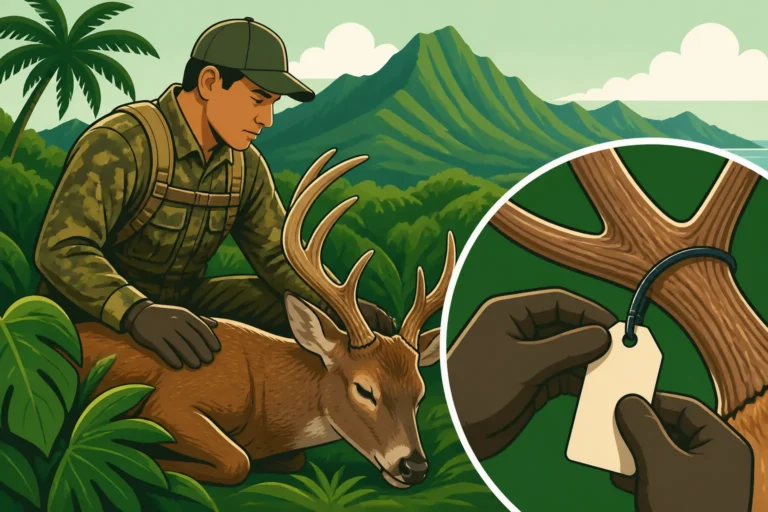
To prevent this, take a moment to collect your thoughts and verify details before reporting. If you’ve harvested an animal, tag it immediately and fill out the tag information accurately. Before you even head into the field, refresh your memory on how to differentiate between male and female animals for the species you're hunting. For example, knowing the difference between a billy and a nanny goat, or a boar and a sow pig, is crucial. If you're unsure about a detail, make your best educated guess and, if possible, clarify with DOFAW if the system allows for follow-up. The goal is accurate data, not just any data. Your contribution helps inform crucial decisions about future seasons and bag limits for all of Hawaii’s game.
Dealing with No Cell Service in Remote Areas
Hawaii’s beauty often means remote, rugged landscapes, and those remote landscapes often mean patchy or non-existent cell service. This is a significant challenge for hunters relying on the OuterSpatial app. You might arrive at your hunting unit ready to digitally check in, only to find yourself in a cellular black hole.
The best defense here is preparation. As mentioned earlier, download maps of your hunting unit within the OuterSpatial app for offline use before you leave an area with good service. This allows you to at least navigate and know your location, even if you can't interact with the check-in/check-out features. If you anticipate or encounter no cell service, make a mental note or a quick written record of your entry and exit times. As soon as you hit an area with service, pull over and complete your check-in or check-out immediately. If you're going into a unit known for poor reception, and especially if it's a multi-day hunt, consider contacting the local DOFAW office beforehand to understand their protocol for such situations. They might advise you to use a physical check card if one is available, or provide specific instructions for reporting after the fact. Being proactive about No Cell Signal on a Hawaii Hunt is essential for a compliant and stress-free experience.
Impact of Check-In/Check-Out on Hawaii Hunting
While sometimes perceived as just another hoop to jump through, the check-in and check-out system plays a profound role in the broader context of hunting in Hawaii. It's not just about individual compliance; it's about the collective health of our ecosystems, the sustainability of our hunting heritage, and the future of public access.
Data-Driven Conservation Efforts
The information collected through every check-in and check-out, especially the harvest data, is a goldmine for DOFAW’s conservation biologists. This isn't just theory; it directly informs management decisions. For example, if harvest reports for Axis deer on Maui start showing a significant decline in mature bucks, it might trigger a review of antler restrictions or season lengths to allow more bucks to reach maturity. Conversely, if pig populations in a particular watershed are consistently showing high harvest rates, it validates the current hunting pressure as an effective control measure against their destructive rooting habits which impact native forests.
This data allows DOFAW to react to real-time ecological changes, like drought years that might stress game animals, or periods of high rainfall that can lead to population booms. Without this consistent stream of hunter-provided data, management would be based on less accurate estimates, potentially leading to unintended consequences for both game species and the fragile native ecosystems they inhabit. The small act of filling out a card or tapping an app contributes directly to the larger, vital mission of managing Hawaii's unique and often challenging introduced wildlife populations.
Ensuring Fair Chase and Public Access
The check-in/check-out system also contributes to maintaining fair chase ethics and ensuring equitable public access to hunting opportunities. By requiring hunters to declare their presence and activities, it creates a transparent environment. This transparency helps prevent poaching and illegal harvesting, which undermines conservation efforts and steals resources from legal, ethical hunters. Knowing that your entry and exit are logged, and that harvest limits for Hawaii Axis Deer Bag Limits are monitored, fosters a culture of compliance.
Furthermore, the data on hunter numbers helps DOFAW understand pressure on different units. If a particular unit is consistently overcrowded, it might lead to discussions about adjusting access, creating new units, or implementing lottery systems to spread hunters out and improve the quality of the hunting experience for everyone. This ensures that public hunting grounds remain viable and enjoyable for future generations, rather than becoming over-pressured and depleted. Your participation in the check-in/check-out system is a direct investment in the future of Hawaii hunting, helping to preserve both the game animals and the precious wild spaces where we pursue them.
Comparing Check-In/Check-Out Methods in Hawaii
| Feature | Traditional Paper Card Method | OuterSpatial App Method |
|---|---|---|
| Accessibility | Requires physical presence at a check station | Requires smartphone and internet/data access (for initial check-in/out) |
| Ease of Use | Can be cumbersome with pen/paper, especially in poor weather | Generally quick and intuitive once account is set up |
| Information Required | Name, license #, unit, entry/exit times, harvest details | Same as paper, often pre-populates some details from profile |
| Data Collection | Manual collection, subject to human error/legibility issues | Digital, precise time stamps, efficient for DOFAW data analysis |
| Offline Capability | Physical card is always "offline" | Maps can be downloaded for offline navigation; check-in/out needs signal (or delayed reporting) |
| Error Forgiveness | Difficult to correct once card is submitted | Can sometimes edit details before final submission, easier to correct via DOFAW contact |
| Compliance Proof | Carbon copy of card | Digital confirmation in app |
| Drawbacks | Can run out of cards, weather damage, less efficient data processing | Requires technology, battery life, cell service dependency |
| Best For | Remote units with no service, backup when tech fails | Most public units, convenience, up-to-date information, ease of reporting |
Disclaimer
Please note that hunting regulations in Hawaii are subject to change by the Department of Land and Natural Resources (DLNR) Division of Forestry and Wildlife (DOFAW). While every effort has been made to provide accurate and up-to-date information in this guide, it is the individual hunter's responsibility to review the most current Hawaii Administrative Rules (HAR) and any emergency amendments or notices issued by DOFAW before engaging in any hunting activity. Always confirm season dates, bag limits, weapon restrictions, and specific unit rules directly with DOFAW or on their official website. This guide is for informational purposes only and should not be considered a substitute for official regulations.