Checking In at a Hawaii Hunter Station
The Hawaii hunting experience, while incredibly rewarding, often comes with a distinct set of challenges, and one of the initial hurdles many hunters, especially those new to the islands, face is navigating the check-in and check-out system at a hunter station. It can feel a bit like a bureaucratic maze when all you want to do is get out into the field, but understanding this process is absolutely essential for a legal and smooth hunt. This guide will break down everything you need to know about checking in at a Hawaii hunter station, whether you're going old school with paper or embracing the digital age.
Why Hunter Check-In is Crucial for Hawaii's Unique Ecosystems
You might wonder why Hawaii has such a specific system for checking in and out of hunting units when other states might not be as rigorous. The truth is, Hawaii's ecosystems are incredibly fragile, and its game animals, almost all of which are introduced species like axis deer, feral pigs, and mouflon sheep, are managed very closely. The check-in system isn't just a formality; it's a vital tool for wildlife management, hunter safety, and ensuring the sustainability of hunting opportunities across the islands.
The Purpose of Hunter Check-In and Data Collection
Think of checking in as registering your intention to hunt in a specific area on a particular day. This simple act provides the Department of Land and Natural Resources (DLNR) Division of Forestry and Wildlife (DOFAW) with crucial data. This data helps them understand hunter pressure, estimate harvest numbers, and even track general activity within a unit. When you declare your entry and exit, and especially when you report a harvest, you're directly contributing to the scientific data that informs future hunting regulations, season lengths, and bag limits. Without this information, DOFAW would be flying blind, making it much harder to balance conservation efforts with providing hunting opportunities. It’s all part of the larger system to effectively manage Hawaii's Hunting Units and How They Work.
Managing Hunter Pressure and Ensuring Safety
Hawaii's public hunting units are often smaller and more isolated than those on the mainland, and some, particularly on islands like Maui and Lanai, can experience significant hunter pressure, especially during peak seasons or on Hawaii's Weekend and Holiday Hunting Rules. The check-in system helps DOFAW monitor how many hunters are in a unit at any given time. This isn't just about preventing overcrowding; it's also a safety measure. Knowing who is in an area can be critical in emergency situations or for general oversight. It promotes a sense of accountability among hunters, ensuring everyone is aware of the unit-specific rules and conditions before heading into the field. This can include anything from blaze orange requirements to weapon restrictions, which are often reiterated at check stations.
The Traditional Paper Check-In Process
Before smartphones and apps became commonplace, the only way to check in was the traditional paper system. While the digital option is gaining popularity, many units still rely on physical check stations, and it's essential to understand how this works, especially if you're hunting in a remote area without cell service or prefer the tangible record. It's a rite of passage for many island hunters, a moment to pause, sign in, and mentally prepare for the hunt ahead.
Locating a Physical Check Station
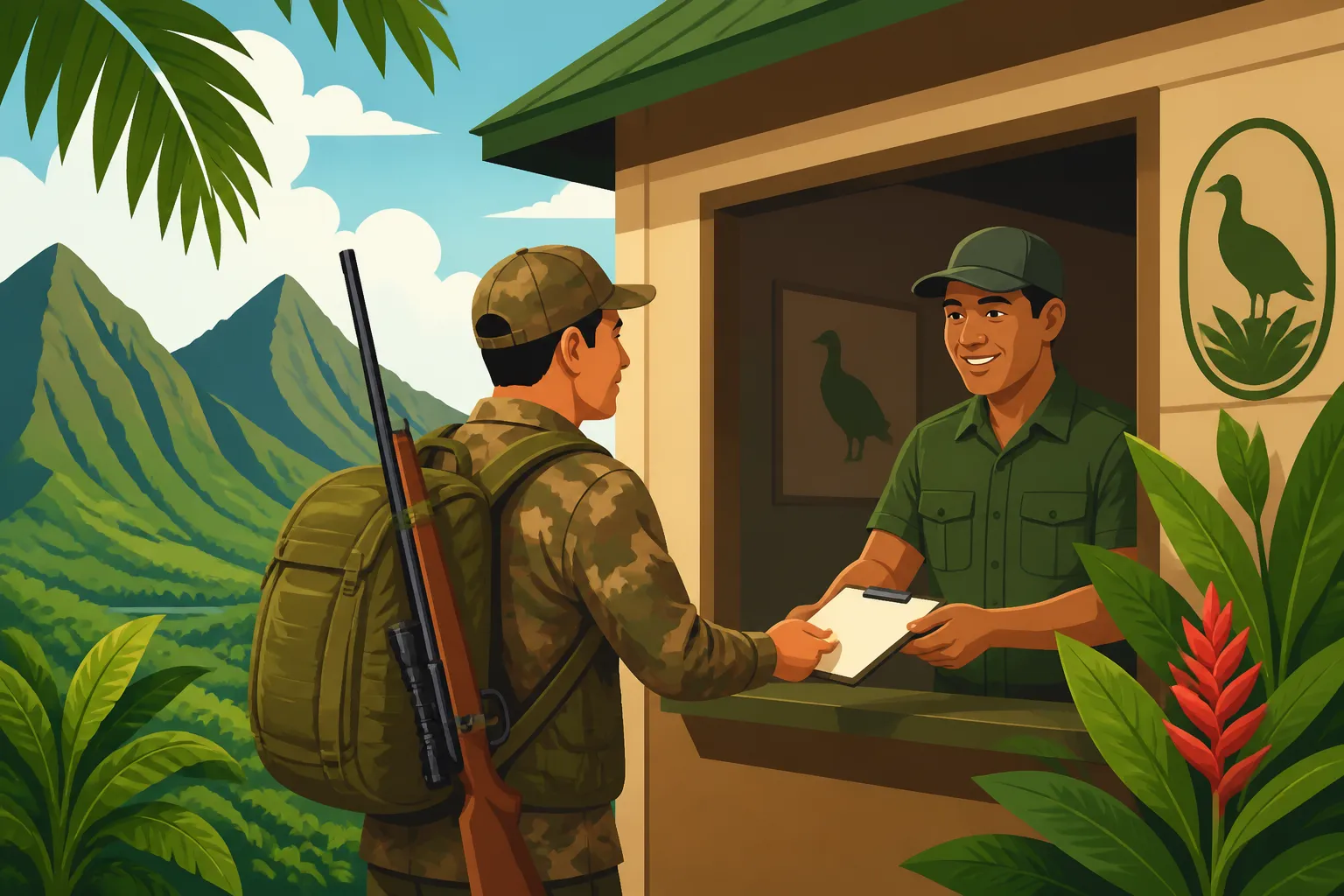
Physical check stations are typically found at the main access points or trailheads of public hunting units. They usually consist of a kiosk or a small wooden box, often with a roof to protect the forms from the elements, and clearly marked with DOFAW signage. You'll usually find blank check cards, a pen (though it's wise to bring your own, just in case), and a collection box for completed cards.
Finding these stations often requires a bit of pre-hunt scouting. Don't assume they'll be right on the main road. Sometimes, they're down a rough, unpaved track, or at the very end of a gravel road that requires a 4×4 vehicle. Always consult unit maps, which you can often find on the DOFAW website or at local DOFAW offices, before your hunt. A quick drive or a review of satellite imagery can save you a lot of frustration on opening morning. It’s also a good idea to scout the general area and access points when Scouting a Hawaii Hunting Unit Before Opening to ensure you know where everything is.
Filling Out the Check Card Accurately
The check card itself is a fairly straightforward document, but accuracy is paramount. You'll typically need to provide:
- Your full name: As it appears on your hunting license.
- Your Hawaii Hunting License number: This is critical for verification. Remember that understanding Hawaii Hunting Licenses and What They Cost is the first step.
- Date and Time of Entry: Be precise.
- Hunting Unit Name/Number: Ensure you select the correct unit, as many areas have multiple units adjacent to each other.
- Vehicle Description and License Plate Number: This helps DOFAW identify your vehicle in case of an emergency or if they need to contact you.
- Number of Hunters in Your Party: If you're hunting with others, list everyone's license numbers.
- Weapon Type: Specify if you're using a rifle, bow, muzzleloader, or hunting with dogs.
After filling out the card, tear off the designated portion (usually a stub you keep with you) and place the main portion into the collection box. Keep your stub handy throughout your hunt as proof of check-in. It's not uncommon for wardens to check these in the field. Double-check all information before dropping the card in; a small error can lead to confusion or even a violation.
Checking Out After the Hunt
Just as important as checking in is Checking Out After the Hunt. This is where the paper system sometimes falls short compared to digital options because hunters, tired after a long day in the field, sometimes forget this crucial step. When you exit the unit, you need to revisit the check station and fill out another card, indicating:
- Your Name and License Number
- Date and Time of Exit
- Hunting Unit
- Harvest Information: This is perhaps the most critical part of checking out. You'll need to report any animals harvested, including species, sex, and often a general location within the unit. Even if you didn't harvest anything, you must still check out.
Failing to check out, whether you harvested an animal or not, can result in a fine. It messes with DOFAW's data collection and makes it seem like you're still in the unit, which can cause unnecessary concern. It’s a small step that makes a big difference in the integrity of the hunting management system.
Embracing the Digital: OuterSpatial App and GoHunt
In recent years, Hawaii has embraced technology to streamline the check-in process, primarily through the OuterSpatial app. This has been a game-changer for many hunters, offering convenience, real-time information, and digital record-keeping. It's definitely the preferred method for many, especially if you're comfortable with smartphone apps and plan to hunt in areas with reliable cell service.
OuterSpatial: Your Digital Hunting Companion
The OuterSpatial app is a fantastic resource that integrates with Hawaii's hunting system. It allows you to check in and out directly from your smartphone, eliminating the need for paper cards and physical stations. Beyond just check-ins, the app provides access to detailed unit maps, boundary lines, and even real-time information on closures or special conditions. For hunters who might be hunting Hawaii's High Elevation Alpine Ground or in other remote spots, having a digital map with your location can be invaluable. It transforms your phone into a comprehensive hunting tool, and many hunters now rely on Using OuterSpatial Instead of a Paper Card for their adventures.
Getting Set Up with GoHunt and OuterSpatial
To use OuterSpatial for checking in, you'll first need to purchase your Hawaii hunting license and any necessary permits or tags through the official online portal, GoHunt. GoHunt is the primary platform where you manage all your Hawaii hunting credentials, from your basic hunting license to specific Hawaii's Permit-Tag System Works for drawn hunts. Once you have your GoHunt account and active licenses, integrating it with OuterSpatial is quite simple:
- Download the OuterSpatial app: It's available for both iOS and Android devices.
- Create an OuterSpatial account: Use an email and password.
- Link your GoHunt profile: The app will have a clear prompt to connect to your Hawaii hunting license. This step is crucial, as it pulls your active license and any permits directly into the app, allowing you to select them when checking in.
- Select your hunting unit: Browse the map or search for the specific unit you plan to hunt.
- Check in: The app will guide you through the digital check-in process, asking for similar information to the paper card, such as your weapon type and the number of hunters in your party.
The beauty of using GoHunt in conjunction with OuterSpatial is the seamless integration. Your license information is already there, reducing manual entry errors. You can literally be at the edge of the unit, pull out your phone, and check in within minutes. And just like with paper, you'll need to check out through the app once your hunt is done, reporting any harvests.
Common Pitfalls and Troubleshooting
Even with clear rules and convenient apps, things can sometimes go awry. Understanding potential issues and how to address them can save you a lot of headache and ensure you stay on the right side of the regulations.
"I Forgot to Check In/Out!"
It happens. You're excited, you're tired, or maybe you just had a momentary lapse. If you realize you forgot to check in before you start hunting, pull out your phone and use OuterSpatial, or drive back to the physical station immediately. Hunting without checking in is a violation.
If you forgot to check out after your hunt, especially if you harvested an animal, don't panic, but don't ignore it. The best course of action is to immediately contact the local DOFAW office or a conservation officer. Explain the situation clearly and honestly. They would much rather you report it and take corrective action than discover it later during a compliance check. They can usually guide you through the process of retroactively checking out or filing a harvest report. Being proactive and transparent is key here.
No Cell Service in Remote Units
This is a very real challenge in Hawaii's rugged and remote hunting units. Many prime hunting areas, especially in deep gulches or on high, isolated slopes, simply don't have reliable cell service. This is where relying solely on the OuterSpatial app can become a problem.
If you know you're heading into a No Cell Signal on a Hawaii Hunt area, you have a few options:
- Check in before you lose service: If you're using OuterSpatial, perform your check-in while you still have a signal at home or closer to town. The app will generally record your entry time.
- Use the paper system: If a physical check station is available at the unit entrance, and you anticipate losing service, use the paper card. It’s always good practice to carry a pen and a notepad for this purpose, just in case the station is out of supplies.
- Download offline maps: OuterSpatial allows you to download unit maps for offline use, which is incredibly helpful for navigation even without a signal. While this doesn't solve the check-in issue, it ensures you stay found.
- Communicate with DOFAW: If you absolutely cannot check in or out due to technical issues in a remote area, and no paper option is available, make a note of the time and location, and contact DOFAW as soon as you regain service.
Navigating Unit-Specific Rules
The check-in process often serves as an implicit acknowledgement of a unit's specific rules. Each hunting unit in Hawaii can have unique regulations regarding open seasons, permitted weapon types, bag limits, and even vehicle access. For example, some units might only be open for archery hunting, while others allow rifle hunting on specific weekends. Some areas might have strict rules against Dog Hunting Rules or require specific types of Hawaii Blaze Orange and Safety Rules.
Before heading out, always consult the most current Hawaii Hunting Regulations, available on the DOFAW website or through the GoHunt platform. The information you provide at check-in (like your weapon type) confirms your understanding and compliance with these rules. It’s not just about marking a box; it's about being a responsible hunter who knows the specific conditions of the area they're entering.
Paper vs. Digital Check-In: A Comparison
To help you decide which method works best for your next Hawaii hunt, here’s a quick comparison:
| Feature | Traditional Paper Check-In | OuterSpatial App (Digital) |
|---|---|---|
| Accessibility | Requires finding a physical kiosk at unit entrance/exit | Requires smartphone and cellular/Wi-Fi signal |
| Convenience | Can be tedious, especially if forgotten; requires specific stops | Fast, easy, can be done from anywhere with signal |
| Data Accuracy | Relies on manual writing, prone to errors, sometimes illegible | Digital entry, less prone to human error, cleaner data |
| Real-time Info | Static information posted at kiosk, not updated live | Real-time updates on closures, conditions, maps |
| Offline Use | Always available at physical station | App functionality (maps) works offline, but check-in requires signal |
| Record Keeping | Hunter keeps a paper stub, DOFAW collects physical cards | Digital record kept within the app and on GoHunt profile |
| Prerequisites | Valid Hawaii Hunting License, knowledge of unit rules | Valid Hawaii Hunting License (via GoHunt), smartphone, app setup |
| Common Issues | Forgetting to check out, illegible entries, missing pens/cards | No cell service, app glitches, battery drain |
Ultimately, both systems serve the same critical purpose: ensuring responsible, legal, and well-managed hunting in Hawaii. While the OuterSpatial app offers undeniable modern convenience, knowing how to navigate the traditional paper system is still a valuable skill for any hunter venturing into Hawaii's diverse and sometimes remote landscapes. So, gear up, plan ahead, and make sure your check-in is squared away before you head into the wild.
Disclaimer
The information provided in this guide is for general informational purposes only and does not constitute legal advice. Hunting regulations in Hawaii are subject to change, and it is the hunter's sole responsibility to consult the most current official regulations published by the Hawaii Department of Land and Natural Resources (DLNR) Division of Forestry and Wildlife (DOFAW) before engaging in any hunting activities. Always prioritize safety and adherence to all applicable laws and regulations.