Finding a Hawaii Hunter Check Station
One of the trickiest parts of hunting in Hawaii, especially for those new to the islands or even seasoned local hunters venturing into a new unit, is figuring out the check-in and check-out process. It's not always as straightforward as you might think, and knowing where to go or what app to use can be the difference between a smooth start to your hunt and a frustrating delay. This guide is here to walk you through exactly how to find those crucial hunter check stations, whether they're physical locations or digital portals, so you can focus on the hunt ahead.
Understanding the Role of Hawaii Hunter Check Stations
Before we dive into where to find these check stations, it's really helpful to understand why they exist and what purpose they serve. It's not just bureaucratic red tape; these systems are vital for wildlife management, hunter safety, and ensuring fair access for everyone. They're a cornerstone of Hawaii's Hunting Units and How They Work.
Why Checking In and Out Is Mandatory
Think of checking in as signing into a protected area, and checking out as signing out. It's a way for the Division of Forestry and Wildlife (DOFAW) to track hunter numbers, understand harvest data, and, most importantly, know who is in the field. This isn't just about counting deer or pigs; it's a safety measure. If something goes wrong out in a remote unit, knowing who checked in and hasn't checked out can be crucial for search and rescue efforts. It also helps DOFAW gather important data on game populations and hunter pressure, which directly influences future seasons and bag limits. It might feel like a hassle sometimes, especially when you're eager to hit the trail before first light, but it's a critical piece of the hunting puzzle here. You'll find that Checking In and Out of Hawaii Hunting Units is a non-negotiable part of ethical and legal hunting.
What Information You'll Need
When you get to a check station, whether it's a physical kiosk or a digital portal, you'll need specific information handy. This usually includes your valid Hawaii hunting license number, the unit you intend to hunt, and sometimes your vehicle information. For physical stations, you might be filling out a paper card, so bring a pen! For digital methods, ensure your phone is charged and you have your login details ready. Don't forget your permit-tag numbers if you're targeting species like Axis deer or Mouflon sheep that require them. Having this information ready before you even get to the check station will save you a lot of time and frustration, especially when you're still half-asleep in the pre-dawn hours.
The Traditional Approach: Physical Hunter Check Stations
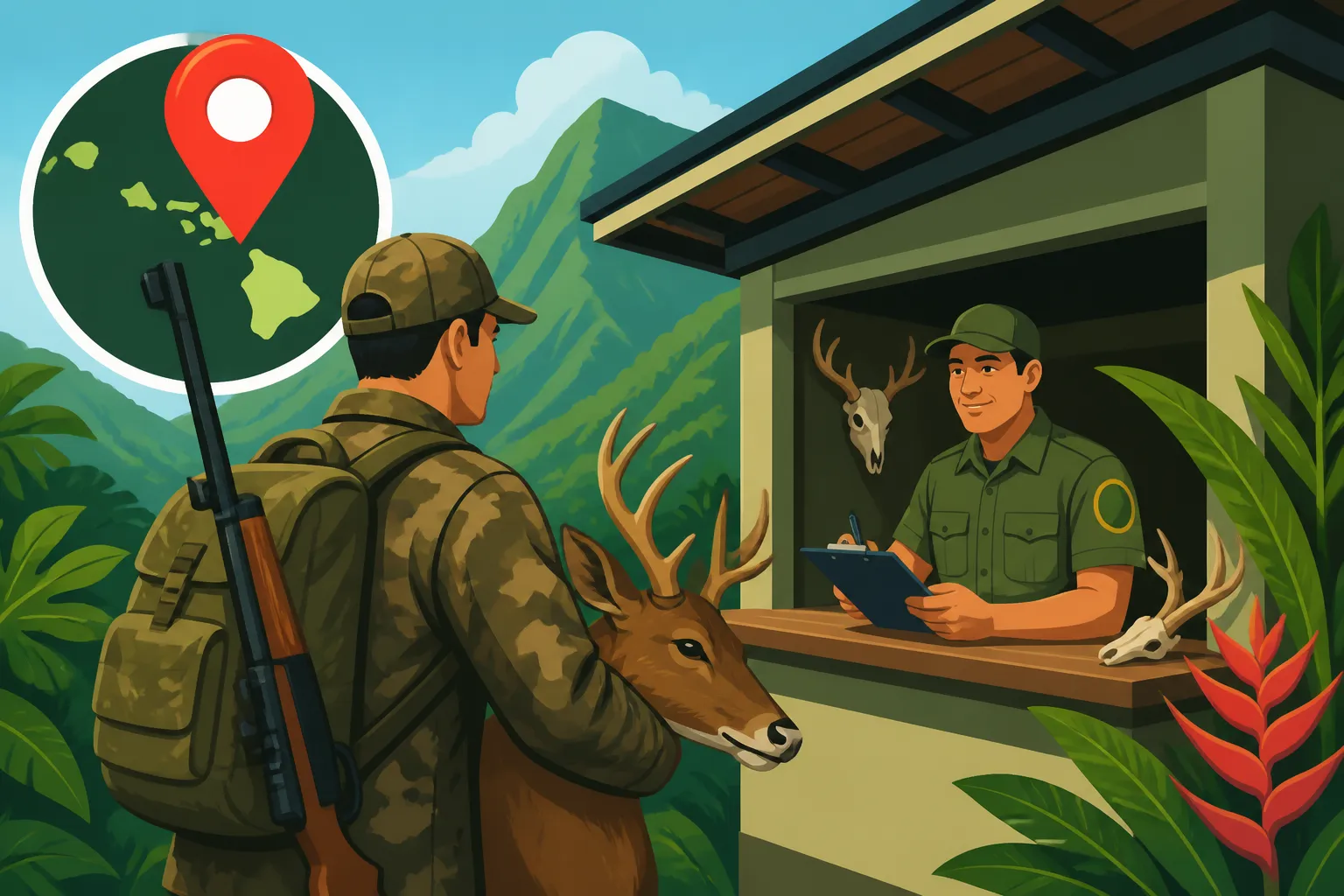
For many years, and still in many areas today, physical hunter check stations were the only way to manage access to Hawaii's public hunting units. These can range from a small, unassuming kiosk with a sign-in sheet to a staffed hut where a DOFAW officer might be present to answer questions and verify licenses.
Identifying Physical Station Locations
Many units, especially on islands like the Big Island and parts of Maui, still rely on physical check stations. These are typically located at the main access points or trailheads of a hunting unit. Imagine driving down a sometimes-rough dirt road, turning a corner, and there it is: a small wooden booth or a clearly marked pull-off with a sign board. These are generally indicated on official DOFAW maps, which you can often find online or sometimes at local DOFAW offices. You might also spot them by looking for dedicated parking areas at the start of a unit. If you're using a mapping app like onX Hunt, these access points are often marked, and you can even save them as waypoints to ensure you don't miss them in the dark. It’s always a good idea to scout your intended unit beforehand, even if it's just a quick drive-by the day before, to physically locate these spots.
What to Expect at a Physical Station
At a physical check station, you'll typically find a kiosk with a sign-in logbook or individual paper cards. You'll fill out your hunting license number, the date, your intended hunting unit, and possibly your vehicle description. Sometimes there's a drop box for permit-tags. Always read the instructions carefully, as they can vary slightly from unit to unit or season to season. For instance, some units might have specific instructions for Hawaii Game Mammal Seasons or Hawaii Game Bird Seasons and Bag Limits. Make sure you clearly print your information so it’s legible. When you exit the unit, you'll return to the same station to fill out the check-out portion, indicating if you harvested any game. It's your responsibility to ensure you've properly completed both steps. Forgetting to check out can lead to issues down the line, so don't skip it, no matter how tired you are after a long day in the field.
The Modern Way: Digital Check-In and Technology
As technology evolves, so does wildlife management. Hawaii has embraced digital solutions to streamline the check-in and check-out process, making it more convenient for hunters and more efficient for DOFAW.
Using the OuterSpatial App
A significant shift in recent years has been the introduction of the OuterSpatial app for check-in and check-out in many Hawaii hunting units. This app allows hunters to register their presence in a unit directly from their smartphone, often even when offline in areas with no cell signal. It's a game-changer for convenience, replacing those sometimes-damp paper logs. You link your hunting license to your account, select the unit you're entering, and then log your harvest upon exiting. It’s a pretty intuitive system once you get the hang of it. Using the OuterSpatial App to Check In is becoming the primary method for many hunters, especially in units where physical stations might be unstaffed or prone to vandalism. Make sure to download the app and create your account before you head out, and definitely do it somewhere with good internet access, so you're not fumbling with it at the trailhead.
Online Resources and Mapping Apps
Beyond OuterSpatial, online resources and mapping applications like onX Hunt are invaluable for finding check stations, both physical and digital. The official DOFAW website and its "Go Hunt Hawaii" portal are excellent starting points for current regulations, unit maps, and detailed information. Many unit maps will explicitly show where check stations are located.
Here's how these tools can help:
- DOFAW Website/GoHunt: This is your authoritative source for all things hunting in Hawaii. Before any hunt, check the specific unit's page. They often have maps and descriptions of how to check in for that particular area. The GoHunt portal also links directly to license and permit information, which is a prerequisite for checking in.
- onX Hunt: This powerful mapping app can overlay public land boundaries, unit lines, and often marks access points and known check station locations. Before your hunt, you can highlight your intended unit, mark the check station, and even download offline maps for areas with no cell service. This is especially useful in Hawaii's diverse terrain, from dense rainforest to remote lava fields, where cell reception can be spotty at best. Seeing the check station icon right on the map can save you a lot of guesswork.
- Other Online Map Resources: Sometimes local hunting forums or specific island-based hunting groups might share tips or updated information on check station locations, though always cross-reference with official DOFAW sources.
These digital tools provide a wealth of information at your fingertips, making the process of finding and using check stations far less daunting.
Island-Specific Considerations for Finding Check Stations
While the general principles of check-in remain the same across Hawaii, each island and even specific units within them can have unique quirks regarding where and how you check in. It's always best to research your specific hunting unit.
Hawaii Island's Diverse Check-In Points
The Big Island, with its vast and varied hunting units, offers a mix of traditional and modern check-in methods. For units like Puu Waawaa, you might encounter a staffed check station during certain seasons, especially for drawn hunts, where a DOFAW officer will verify your permits. Other areas, like many sections of the Mauna Kea Game Management Area or portions of the Hilo Forest Reserve, rely more heavily on self-service physical kiosks or the OuterSpatial app due to their remote nature. Knowing the specific requirements for Hawaii Island Hunting Unit Seasons is crucial. Always double-check the DOFAW website for the unit you plan to hunt to see if it's primarily app-based or if there's a physical location you need to visit.
Maui, Lanai, and Molokai's Check-In Systems
On Maui, where units like Kahikinui or Kula Forest Reserve are popular for Axis deer and pigs, you'll find a blend. Some areas have designated physical check stations at main access roads, while others encourage the use of the OuterSpatial app. Lanai, known for its highly sought-after Axis deer and Mouflon hunts, often has a more structured check-in process, especially for its drawn hunts. Hunters often report to a central location, usually a temporary check station set up for the hunt weekends, where licenses and tags are verified. Molokai, too, leans on a combination of physical stations and app usage, particularly in its public hunting areas for Axis deer. It’s imperative to understand the nuances of Maui's Public Hunting Areas and other islands before heading out.
Oahu and Kauai's Check Station Realities
Oahu's hunting units, while fewer and generally smaller than on other islands, still require proper check-in. The Waianae Kai Forest Reserve, for example, typically uses the OuterSpatial app for entry and exit. Kauai, home to Black-tailed deer, feral pigs, and goats, will also have specific check-in points for its units like Kekaha and Na Pali-Kona. For these islands, especially, the OuterSpatial app has become the dominant method due to the more contained nature of the units and the desire for streamlined administration.
Comparing Check-In Methods
Here's a quick look at the pros and cons of the different check-in methods you might encounter:
| Feature | Physical Check Station | OuterSpatial App |
|---|---|---|
| Location | Fixed at unit entrance/main access points | Anywhere with phone (or downloaded offline maps) |
| Required Equipment | Pen, paper log/card, license | Smartphone, charged battery, OuterSpatial app, license |
| Cell Service Needed? | No (though useful for general navigation) | Yes, for initial check-in/out; can work offline if pre-downloaded |
| Harvest Reporting | Manual entry on paper log/card | Digital entry within the app |
| Immediate Confirmation | Visual confirmation on paper; sometimes staffed | Digital confirmation in-app |
| Ease of Use | Simple, but requires being at specific location | Convenient, but relies on tech/battery |
| Common Use Case | Remote units, drawn hunts, older established units | Most modern units, accessible via smartphone |
Best Practices for Hassle-Free Check-Ins
Navigating the check-in and check-out process doesn't have to be a headache. With a little preparation and awareness, you can make it a smooth part of your Hawaii hunting adventure.
Pre-Hunt Preparation is Key
Seriously, folks, a little homework goes a long way. Before you even pack your bags, make sure you've:
- Checked the DOFAW website: Look up your specific hunting unit for the most current rules and check-in methods. Seasons and rules can change, so always verify close to your hunt date.
- Downloaded OuterSpatial: If the unit uses it, get the app, create your account, and link your hunting license well in advance. Practice checking in and out of a mock unit if you can. Also, remember to download the maps for your specific hunting area before you lose cell service.
- Charged your phone: If you're relying on OuterSpatial, a dead phone is a no-go. Bring a portable charger if you have one.
- Packed a pen and your license: For physical stations, a pen is essential. And your hunting license should always be on your person. This includes your Hawaii Resident Hunting License Options or Hawaii Nonresident Hunting License Options if you're visiting.
- Understood your permit-tags: If you've drawn a tag, like for Axis Deer Hunting in Hawaii or Mouflon Sheep Hunting on Hawaii Island, know the tagging requirements and have your tag with you.
What to Do If You Can't Find a Station or App Fails
Murphy's Law applies even in paradise. What if the physical check station is missing, or the app glitches in the field?
- Physical Station Missing/Damaged: If a physical kiosk is gone or the logbook is destroyed, try to locate any posted signs for alternative instructions. If none are available, and you have cell service, try contacting the local DOFAW office or using OuterSpatial if it's an option for that unit. As a last resort, document your entry and exit with photos and notes, and report it to DOFAW as soon as you're able.
- OuterSpatial App Issues: If the app isn't working or you have no service, and you haven't downloaded the offline maps, this is where having a backup plan matters. If there's a physical station, use that. If not, and you're truly stuck, make sure you document your presence in the unit (time, date, location, license number) and contact DOFAW immediately upon regaining service. It’s always better to be proactive and explain the situation rather than risk a violation. Sometimes, simply walking a short distance can get you enough signal for a quick check-in.
Reporting Your Harvest Accurately
The check-out process isn't just about letting DOFAW know you've left the unit; it's also where you report any game harvested. This is critical data for wildlife managers. Be honest and accurate about what you took, including species, sex, and any other requested details. This data helps DOFAW make informed decisions about future seasons and manage populations sustainably. It contributes directly to the health of Hawaii's hunting opportunities for years to come.
Remember, the goal of these check stations is to help manage our precious hunting resources and ensure everyone has a safe and fair experience. Taking the time to understand and follow the process makes you a responsible and respected member of the Hawaii hunting community.
Disclaimer
This article is for general informational purposes only and does not constitute professional advice. Laws, prices and regulations vary by location and change over time. Consult a qualified professional for guidance on your specific situation.